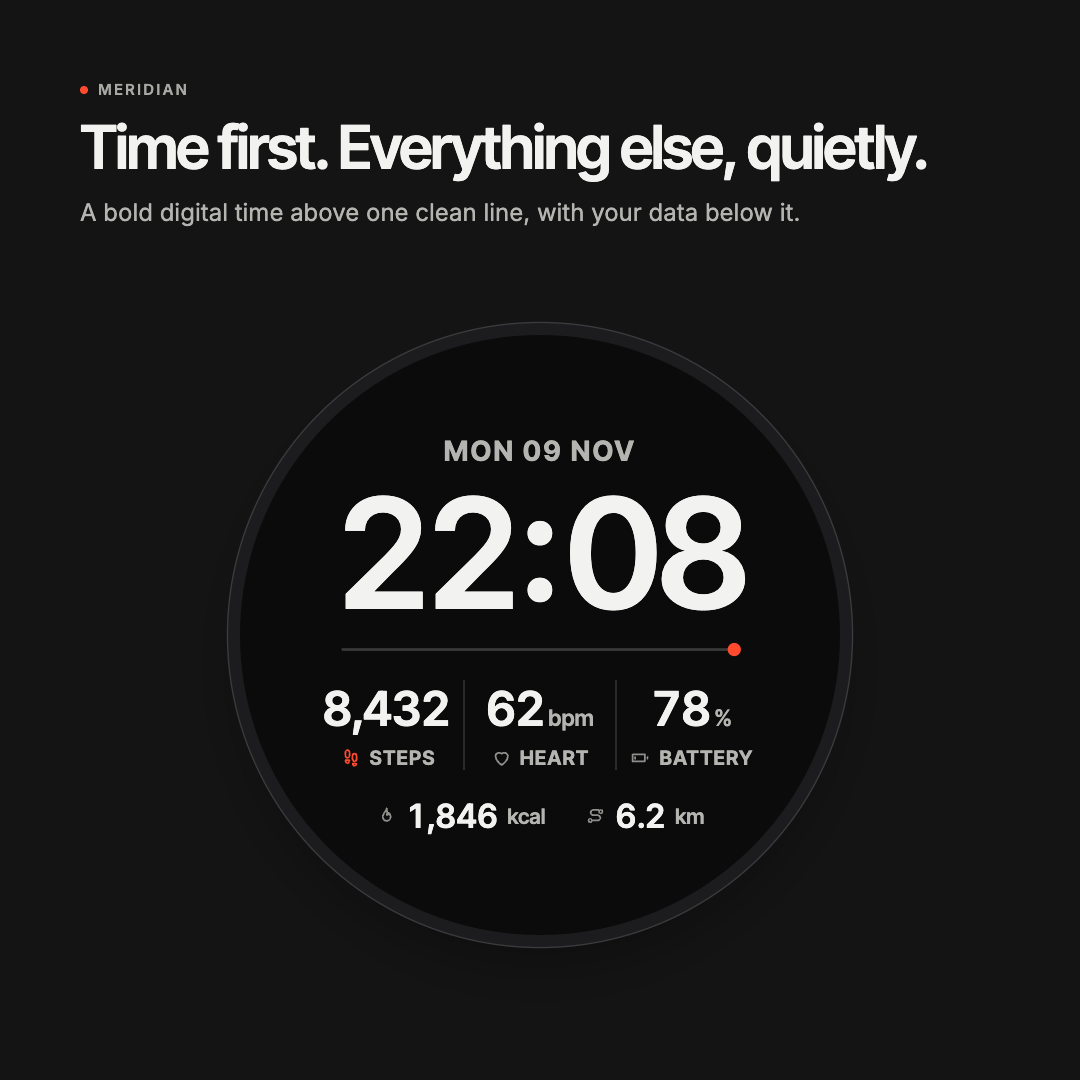
Meridian
One line holds it together: a bold time above, your data below. A calm, clear face you put on and stop noticing.
Freeno ads, no data leaves your watch
- Works on
- 76 watches
- Version
- 1.0.0
- Updated
- Nov 12, 2026
How Meridian works
Four layouts
Digital with up to five readings, Analog with a seconds hand, Compact with a goal progress line, or Info-rich with a two-column list of six.
Your data, your order
Six slots for steps, heart rate, calories, distance, floors, battery, weather, sunrise and sunset or intensity minutes. Empty slots close up, and the time grows when there’s less to show.
Make it yours
Four themes, Graphite, Paper, Navy and Sage, with five accent colours, a Bold or Light clock, Bright or Soft text and icons on or off.
Built for Garmin screens
Sharp type drawn for every round screen from 260 to 454 px, plus Venu Sq 2. On AMOLED watches, always-on mode shows a light time and date on black.
Supported watches
- ApproachS70, S72
- D2Air X10, Air X15, Mach 1, Mach 2
- DescentG2, MK3
- Enduro2, 3, 4
- epixGen 2, Pro
- fēnix7, 8, 9, E
- Forerunner70, 165, 170, 255, 265, 570, 955, 965, 970
- Instinct3 AMOLED, Crossover AMOLED
- MARQGen 2, Gen 3
- tactix7, 8
- Venu2, 2 Plus, 3, 4, Sq 2
- vívoactive5, 6
76 models in all. The Connect IQ store always has the most up-to-date list.
Install in three steps
- Tap Get it on Garmin and open Meridian in the Connect IQ app on your phone.
- Install it, then sync your watch.
- Choose Meridian from the watch faces on your watch.
Questions
How do I change the settings?
Use the Connect IQ app on your phone, or change them right on the watch: hold the watch face, then choose Customize. On button watches, hold MENU, then choose Watch Face.
Does it work in always-on mode?
Yes. On AMOLED watches it shows a light time and the date on black, moved every minute to protect the screen. On MIP watches, the Analog seconds hand keeps ticking in low power when the watch’s power budget allows.
Why are some readings missing?
A reading with no data steps aside, and the face closes the gap instead of showing an empty space. Floors climbed needs a watch with a barometer.
Does Meridian send my health data anywhere?
No. Meridian reads your sensor history only to show your latest heart rate when the sensor isn’t running. No data leaves your watch.
Need help?
Something not working? Email admin@therse.com with your watch model and we’ll take a look.
More from Therse
All products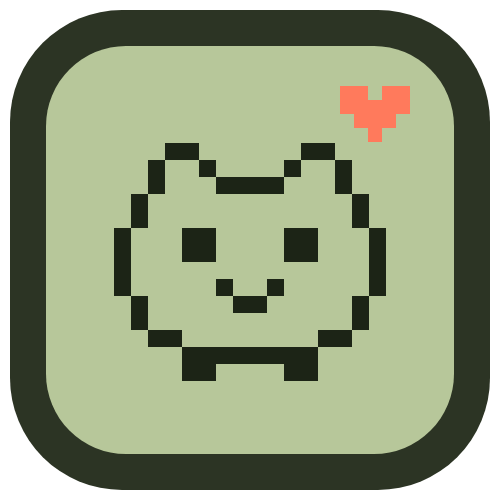 Garmin watch face
MOCHI
AvailableA pixel pet under a big pixel clock. Your steps feed it, Body Battery keeps it awake and low stress keeps it happy.
 Garmin watch face
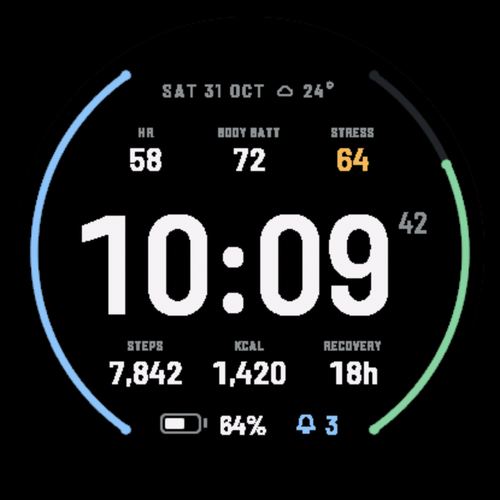
Tally
AvailableYour whole day at a glance. Six live stats around a big, clear time, calm until something needs your attention.
 Garmin game
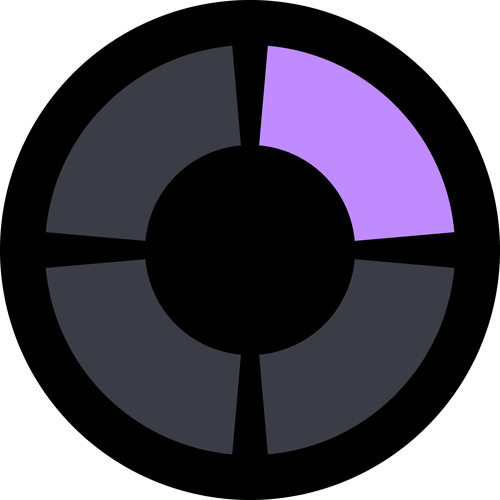
Echo
AvailableWatch the ring light up, then play it back. Every round adds one more step, and the pace picks up as you go.
 Garmin game
Tower
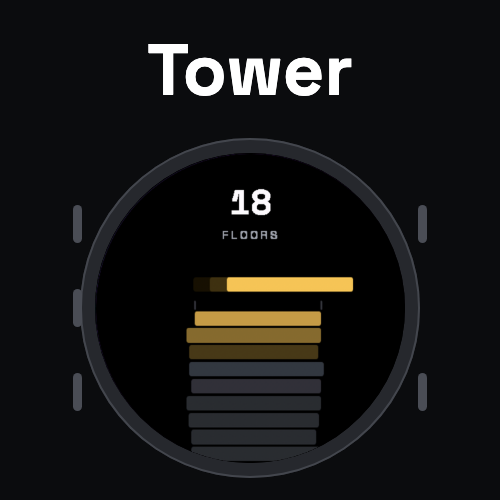
AvailableDrop each floor on the stack. Overhangs fall away, the tower narrows and the floors speed up. How high can you build?